

Integration work

Integration work

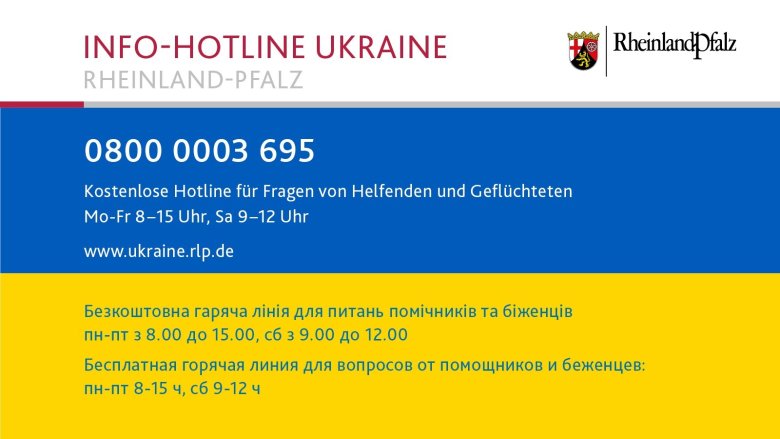
Information hotline for refugees from Ukraine


In a democratic society characterized by diverse lifestyles, orientations and beliefs, integration is essential. It can only succeed in the long term through constructive dialog and everyone's commitment to equal participation.

The Integration Office serves as a central point of contact for people with a migration background, including refugees. The aim is to positively shape a diverse society that works in the interests of all. The office initiates, organizes and supports projects for intercultural awareness and participation, with a focus on connecting diversity.

The services offered by the Integration Office include

  • Organization of events and development of projects to promote intercultural exchange and social cohesion.
  • Information events on everyday topics such as energy consumption, contracts and mobility.
  • Exercise and leisure activities.
  • Placement in clubs, sports, choir and music groups, cultural events and voluntary work.

The Integration Office supports institutions and groups in raising intercultural awareness, offers workshops and training courses and promotes the development of intercultural skills.

The office networks those involved in integration work and jointly develops integration measures. It also offers support with social, educational and professional integration, including language courses, official matters, tutoring and employment. It also strengthens volunteer involvement in helping refugees by providing support and coordination.

Help with accessibility

  • General

    We endeavor to make our websites accessible. You can find details on this in our accessibility statement. You can send us suggestions for improvement via our feedback form Report accessibility.

  • Font size

    To adjust the font size, please use the following key combinations:

    Larger

    ⌘command
    +

    Smaller

    ⌘command

    Larger

    Ctrl
    +

    Smaller

    Ctrl
  • Keyboard navigation

    Use TAB and SHIFT + TAB to navigate through next/previous links, form elements and buttons.

    Use ENTER to open links and interact with elements.

  • Contrast mode

    Press the following key combination to reduce or increase the contrast:

    Enlarge

    ⌃control
    ⌥option
    ⌘command
    .

    Decrease

    ⌃control
    ⌥option
    ⌘command
    ,
    Note: The shortcuts must be activated in the system settings of the operating system.

    Press the left ALT key + left SHIFT key + PRINT to quickly switch the high contrast mode on or off.

  • Invert colors

    Press the following key combination to switch color inversion on and off:

    ⌃control
    ⌥option
    ⌘command
    8
    Note: The shortcuts must be activated in the system settings of the operating system.

    First activate the screen magnifier and then switch the color inversion on and off with the following key combinations:

    1. screen magnifier

    +

    2. invert colors

    Ctrl
    Old
    I
  • Screen magnifier

    Press the following key combinations to use the screen magnifier:

    Switch on/off

    ⌥option
    ⌘command
    8

    Enlarge view

    ⌥option
    ⌘command
    =

    Reduce view

    ⌥option
    ⌘command
    Note: The shortcuts must be activated in the system settings of the operating system.

    Switch on / Enlarge view

    +

    Reduce view